You signed in with another tab or window. Reload to refresh your session.You signed out in another tab or window. Reload to refresh your session.You switched accounts on another tab or window. Reload to refresh your session.Dismiss alert
{{ message }}
Repository navigation
[bug] ClearURLs will break a lot of popular websites #188
changed the title [-][bug} ClearURLs will break a lot of popular websites[/-][+][bug] ClearURLs will break a lot of popular websites[/+]on Mar 26, 2022
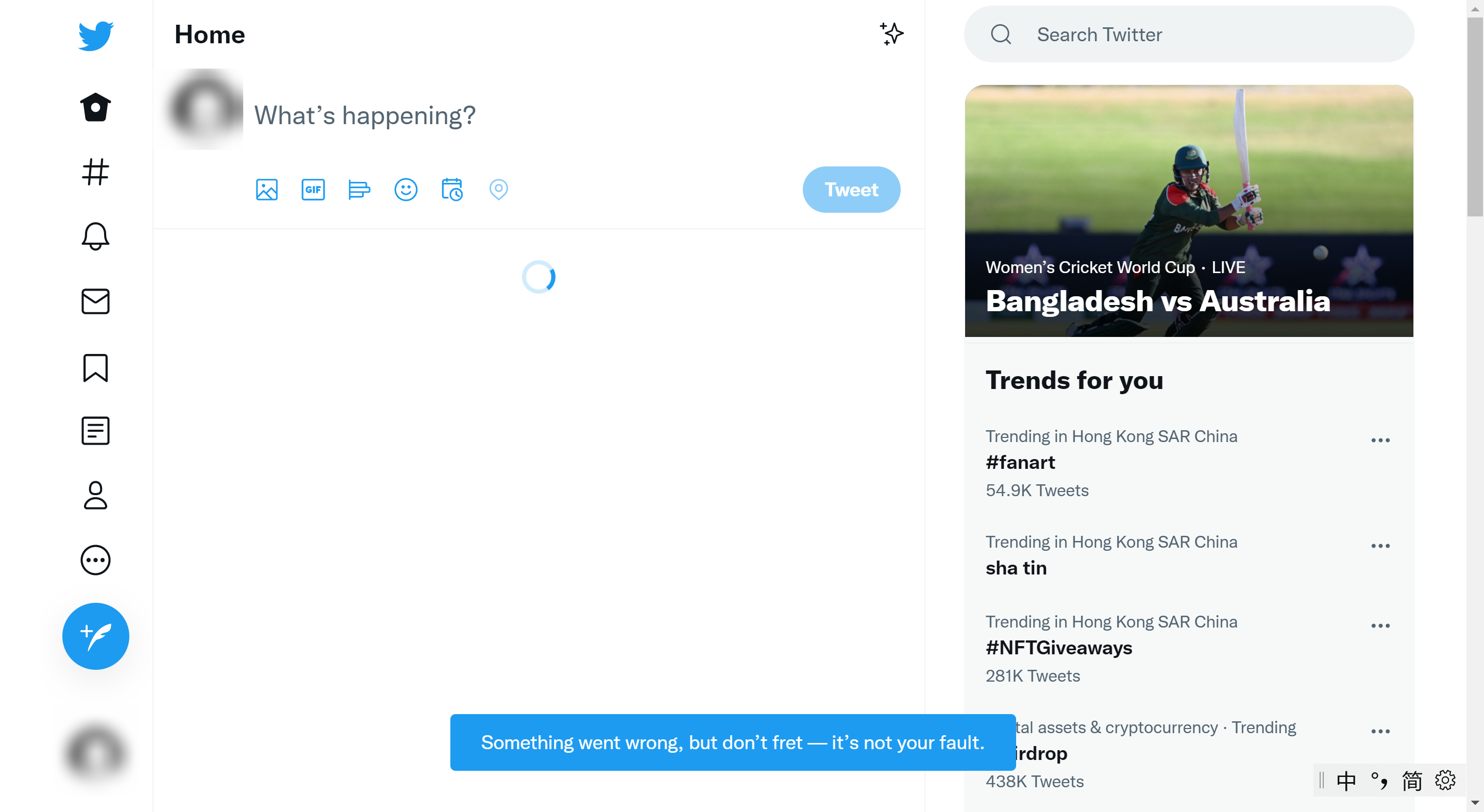
Yandex Mail broke (main mail interface does not open, the “Page does not exist” error is displayed) ~two days ago (apparently exactly when ClearURLs 1.24.1 was released).
The reason is apparently that = character is somehow added to the #inbox anchor/hash in the URL. Disabling the addon solves the issue. Does not happen with a new profile or another browser too.

Activity
KevinRoebert commentedon Mar 26, 2022
Did you also test with the newest version 1.24.1?
RtYkk commentedon Mar 26, 2022
@KevinRoebert Fixed, thx. But this version has not been published to chrome webstore. I will wait for the webstore update.
KevinRoebert commentedon Mar 26, 2022
I know. It can take up to a week until a new version is approved
bacteriostat commentedon Mar 26, 2022
The latest published update also broke ads.google.com and aws.amazon.com for me. I have disabled the extension for now.
hackguy25 commentedon Mar 26, 2022
1.24.0 also broke Spotify web player, 1.24.1 fixes it.
MichalSvatos commentedon Mar 26, 2022
The same is happening with Slack ...
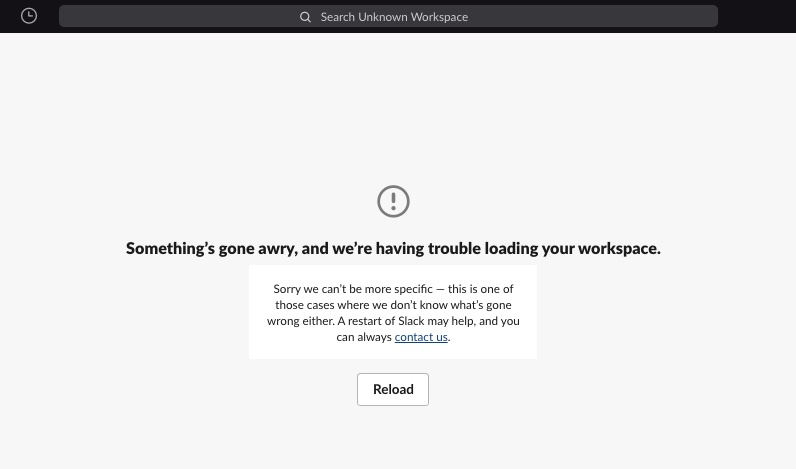
[-][bug} ClearURLs will break twitter.com[/-][+][bug} ClearURLs will break a lot of popular websites[/+][-][bug} ClearURLs will break a lot of popular websites[/-][+][bug] ClearURLs will break a lot of popular websites[/+]KevinRoebert commentedon Mar 26, 2022
Which version of ClearURLs?
Marat-Tanalin commentedon Mar 28, 2022
Yandex Mail broke (main mail interface does not open, the “Page does not exist” error is displayed) ~two days ago (apparently exactly when ClearURLs 1.24.1 was released).
The reason is apparently that
=character is somehow added to the#inboxanchor/hash in the URL. Disabling the addon solves the issue. Does not happen with a new profile or another browser too.Correct URL (without ClearURLs addon):
https://mail.yandex.ru/?uid=1234567#inboxIncorrect URL (with ClearURLs addon):
https://mail.yandex.ru/?uid=1234567#inbox=MichalSvatos commentedon Mar 28, 2022
1.24.0
Today I checked and 1.24.1 seems to fix the problem.
bacteriostat commentedon Mar 28, 2022
Yes, 1.24.1 has landed and the websites are no more broken.
RtYkk commentedon Mar 28, 2022
I'll close this issue since 1.24.1 has landed.
Marat-Tanalin commentedon Mar 28, 2022
But it’s exactly 1.24.1 that breaks Yandex Mail. Should I file a new issue?
KevinRoebert commentedon Mar 28, 2022
Yes, and please attach a log.
Marat-Tanalin commentedon Mar 28, 2022
What log?
KevinRoebert commentedon Mar 28, 2022
Here you can find a step by step tutorial "How to enable logging in ClearURLs": https://www.youtube-nocookie.com/embed/Rm1YkwXQDSM