Repository navigation
[Bug]: PWA icons do not load on iOS/iPadOS #4994

Description

Is there an existing issue for this?
- I have searched the existing issues
OS/Web Information
- Web Browser: Safari
- Local OS: iOS/iPadOS
- Remote OS: raspberryPi OS
- Remote Architecture: armv7l
code-server --version: 4.1.0 9e620e9 with Code 1.63.0
Steps to Reproduce
- Open
code-serveron an iPad or iPhone - Add Shortcut to Homescreen (save as PWA)
Expected
The PWA icon should be rendered as the icon when saved to the homescreen on an iPad or iPhone.
Actual
A screen grab is the icon image instead of the PWA icon
Logs
No response
Screenshot/Video
No response
Does this issue happen in VS Code?
- I cannot reproduce this in VS Code.
Are you accessing code-server over HTTPS?
- I am using HTTPS.
Notes
The issue appears to be due to permissions of certain directories. If you access code-server without being logged in, and attempt to bookmark the page, you get the correct icon, which fetches and renders https://chases.io/_static/src/browser/media/pwa-icon-512.png . However, once you're logged in, the icon it tries to fetch is https://chases.io/static/resources/server/pwa-icon-512.png . Safari seems to attempt to fetch the icon unauthenticated, so it gets a 401 for that file. I manually replaced the path being used when authenticated (for the latter icon) in workbench.html with the path being used in login.html (the former path), and it loaded just fine.


I believe that the only solution is to ensure the PWA icon path, regardless of the .html file used, is accessible when unauthenticated. This applies to both the path of the file, the path in the manifest.json, and anywhere else, e.g. remoteExtensionHostAgent.js.
Activity
jsjoeio commentedon Mar 15, 2022
I can't tell you how much we appreciate you digging into the why behind this and suggesting a solution. This shouldn't be terribly difficult to do. Thank you so much!
umdstu commentedon Mar 17, 2022
Happy to help. I was also wondering if the assets could be somehow be combined. Seems silly to have those duplicate images, unless the PWA explicitly needs it's own copy.
jsjoeio commentedon Mar 18, 2022
There may be some historical context as to why we didn't combine them 🤔 @code-asher might know.
We're currently moving to patches (#4997) so once that lands, it should be easier to help with these kinds of things.
code-asher commentedon Mar 18, 2022
Yeah I have no idea why we were duplicating these. We will only have one copy after #4997 is merged (under
/_static).mistrysiddh commentedon Mar 20, 2022
The same issue is for Android and for Windows 10-11 too
jp-pino commentedon Apr 2, 2022
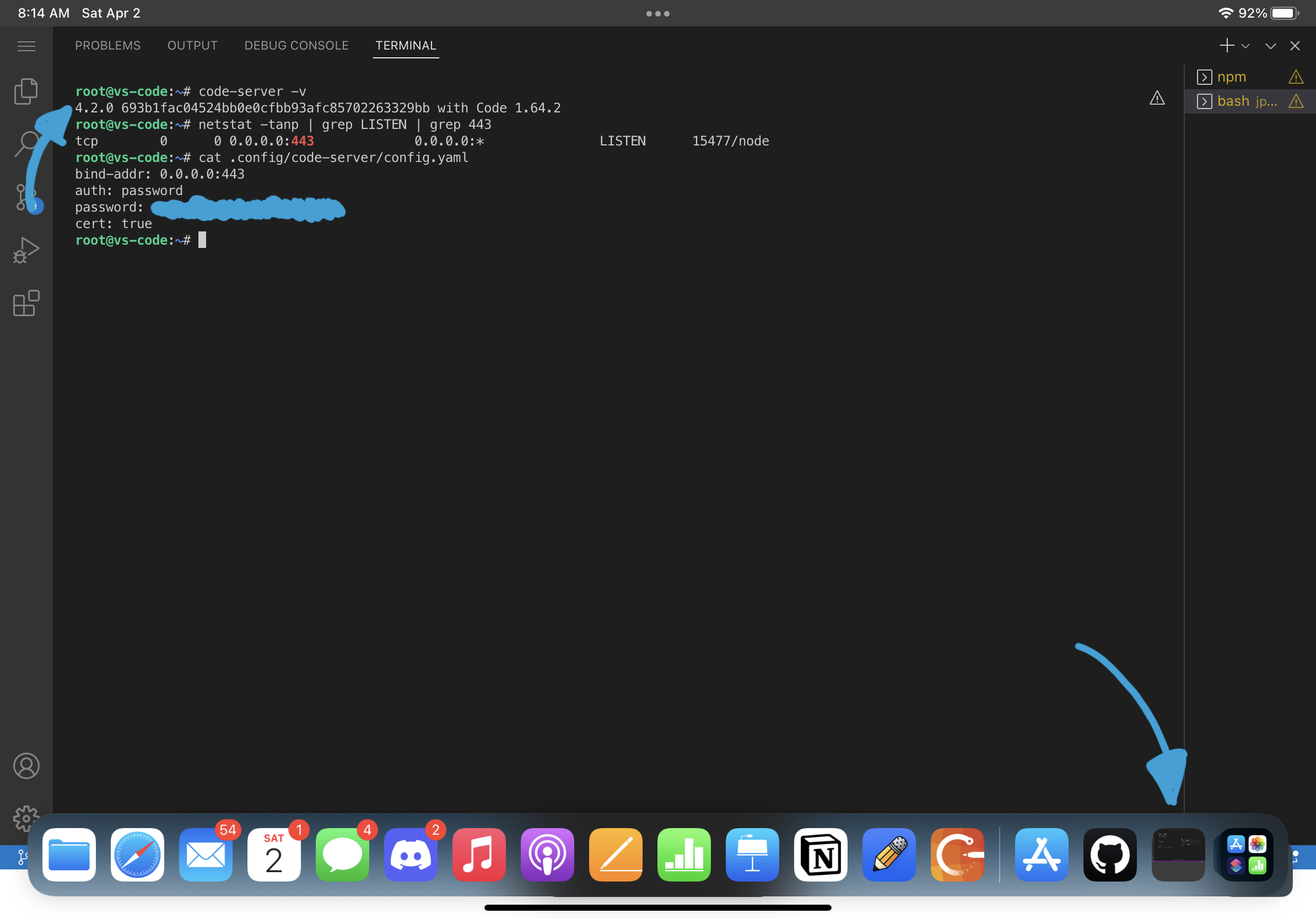
I’m still having this issue on 4.2.0 which included this fix. Maybe due to a different problem?
umdstu commentedon Apr 2, 2022
Did you delete the bookmark and save it again? I haven't had a chance to test the fix BTW so can't say personally that it works for me yet.